Global Digital Exposure Investigation
Why a Password-Protected Wi-Fi Network Is Not a Secure Network
ARTIore Research Desk · Version 1.0 · · 6 minutes
This investigation is licensed under Creative Commons Attribution 4.0 International (CC BY 4.0 (opens in a new tab)). You may share and adapt it, including commercially, with credit to Zain Ul Abdin (ARTIore) and a link to artiore.com.
The short answer: a Wi-Fi password proves that you are allowed to join a network. It does not prove who owns that network, what they can see, or what they will do with what they see. Those are three different questions, and only the first one is answered by the password.
What the password actually does
When you enter a Wi-Fi password, your device and the access point perform a handshake and derive encryption keys. On WPA2-Personal and WPA3-Personal, that means the radio link between your device and the access point is encrypted. Someone sitting nearby with a passive radio cannot simply read your traffic. [Confirmed]
That is a real protection, and it matters. It is also narrower than most people assume:
- It protects the link to that access point, not the path from the access point to the internet.
- It authenticates the network to you only weakly — a network name is not an identity.
- It does not protect you from other devices on the same network, unless the operator has enabled client isolation.
- It does not protect you from a malicious operator, because the operator holds the key.
The evil-twin problem
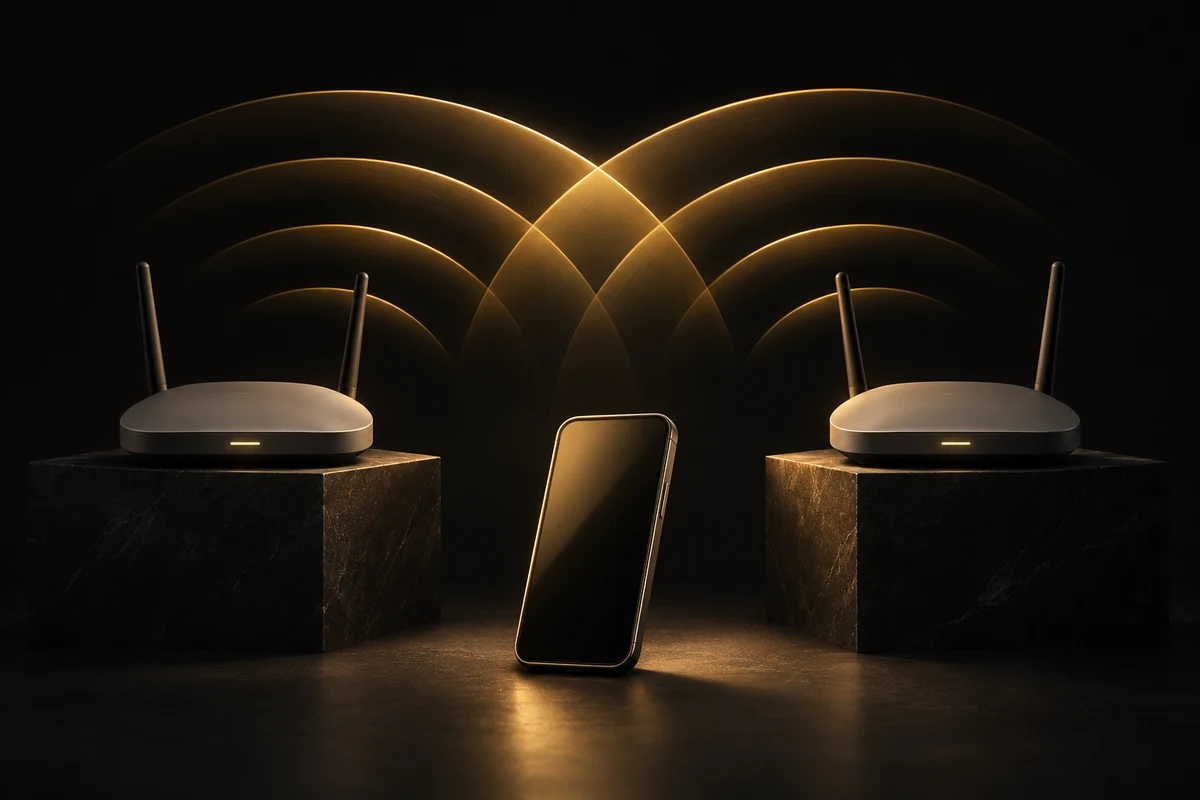
An attacker can create an access point that broadcasts the same network name as a legitimate one. Your phone, which remembers the name, may connect automatically. You have then handed your traffic to a stranger — while holding a password that proves nothing about who they are.
This is called an evil twin, and it is not exotic. Portable access points and open-source tooling make it a weekend project. The sophisticated version does not break encryption at all: it serves a convincing login page, harvests your credentials, then forwards you to the real network so nothing feels wrong.
What makes it work: a familiar network name, a captive portal that asks for an email or social-media password, and a user in a hurry.
What it does not require: breaking WPA2, a zero-day, or any special access to the hotel.
Shared networks are not private networks
On a hotel or café network, the other clients are strangers. Whether you can see them depends on a configuration choice:
- Client isolation on: devices cannot reach each other. This is the correct setting for guest networks.
- Client isolation off: a compromised laptop can scan the subnet, find printers, cameras, and management interfaces, and attempt lateral movement.
Many guest networks get this right. Some do not. You cannot tell from the outside, which is why the safe assumption is that the network is shared and hostile.
What an attacker can and cannot see
With modern HTTPS and correct certificate validation, a network operator cannot read the content of your traffic. They can still see:
- which domains you resolve (unless encrypted DNS is used);
- which servers you connect to (unless Encrypted Client Hello is used);
- timing, volume, and patterns;
- the names of unencrypted services you use.
That metadata is often enough to profile you: which bank, which airline, which law firm, whether you are working late, whether you are alone.
The exception is a user-installed certificate. If a captive portal asks you to install a certificate or a configuration profile "to get online", it is asking for the ability to intercept your TLS traffic. Never do this on a network you do not control.
The five things that actually help
- Assume the network is untrusted. This single assumption makes the rest obvious.
- Never enter credentials on a captive portal. Authenticate only on the real domain, in a browser you opened yourself.
- Never install a certificate or profile to enable Wi-Fi.
- Turn off auto-join for open networks and forget hotel networks after checkout.
- Use passkeys or hardware security keys on the accounts that matter. They are phishing-resistant by design, which means a fake portal cannot use them even if you are fooled.
A VPN helps against local eavesdropping and DNS manipulation, but it is not a substitute for the first five. It also moves trust to the VPN provider, which is a decision worth making deliberately.
What this does not mean
It does not mean public Wi-Fi is always compromised. Most hotel networks are ordinary, badly maintained, and harmless. It means the password is not evidence of safety — and that the absence of an incident is not evidence of security.
FAQ
Is WPA3 safer than WPA2? Yes, materially: WPA3 fixes the offline-guessing weakness of WPA2-Personal and adds forward secrecy. It still does not tell you who operates the network.
Can someone on the same Wi-Fi see my passwords? Not if the site uses HTTPS and the certificate is valid. They can see which sites you visit, and they can trick you with a fake login page.
Does a VPN make public Wi-Fi safe? It protects traffic from the local network to the VPN server. It does not protect you from phishing, malicious downloads, or a compromised device.
Why do hotels still use passwords? Because they are simple and familiar. The password's purpose is to limit access and satisfy guests, not to provide a threat model.
Related: Hotel Wi-Fi security guide · DNS hijacking explained · What WhatsApp encryption does and does not protect
Part of the ARTIore Global Digital Exposure Investigation. Sources are listed in the investigation's Source Register.